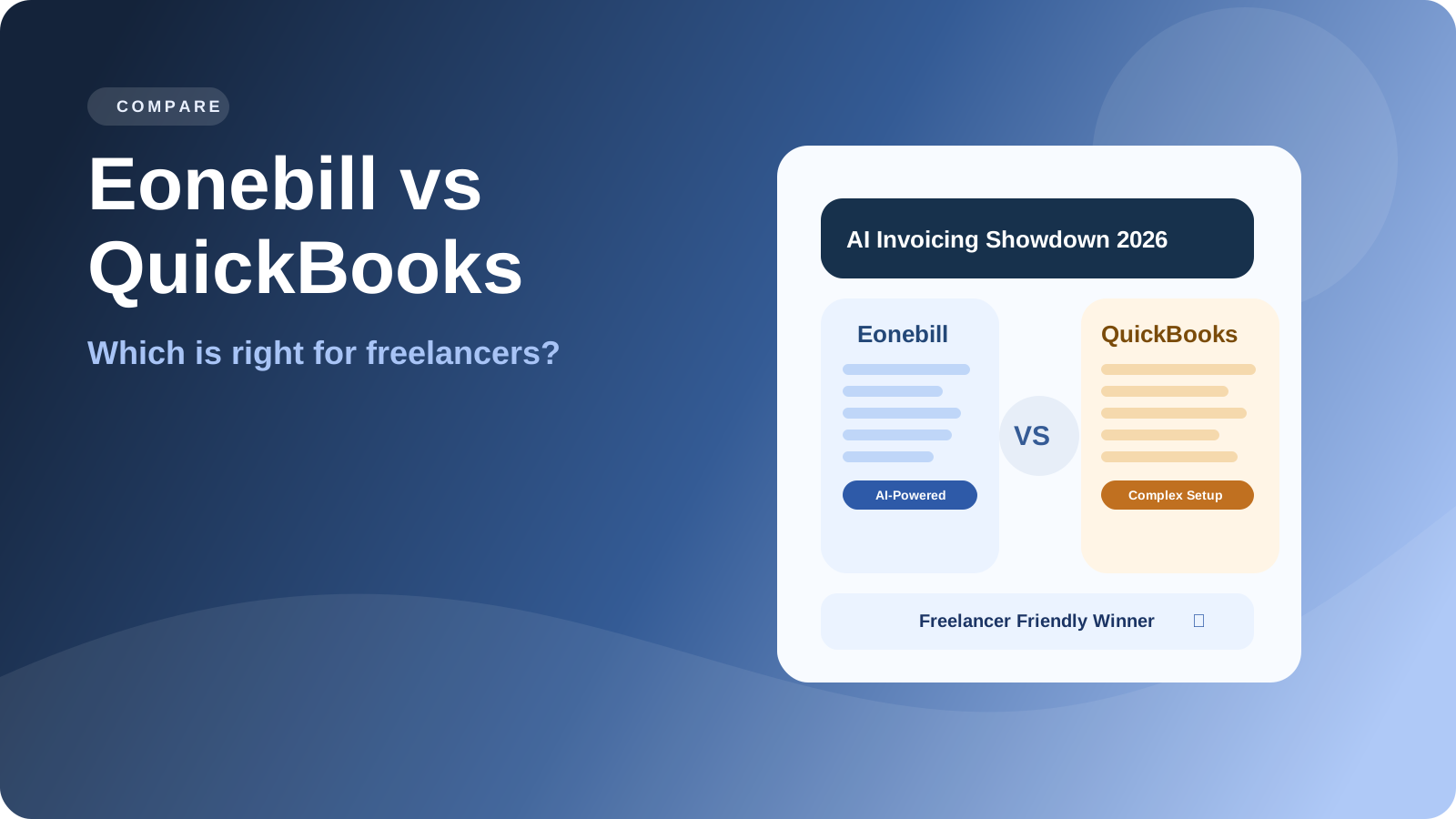
Compare Eonebill vs QuickBooks for freelancers. Discover why simpler AI-powered invoicing beats complex accounting software for independent contractors.
QuickBooks is a household name in small business accounting. But here's the honest question every freelancer should ask: Do you really need all those features? For many independent contractors, QuickBooks is overkill—complex, expensive, and packed with tools you'll never use. This comparison breaks down why Eonebill is the smarter choice for freelancers in 2026.
What Is QuickBooks Actually Designed For?
QuickBooks was built for small-to-medium businesses with employees, inventory, payroll, and complex financial reporting needs. It's an accounting powerhouse designed to handle:
- Double-entry bookkeeping
- Inventory management
- Payroll processing
- Advanced financial statements
- Multiple users and permissions
- Time tracking and job costing
- Bank reconciliation
- Bill management and accounts payable
These are legitimate needs—if you run a company with 10 employees and manage thousands of transactions monthly.
But if you're a freelancer billing a few dozen clients, sending 100 invoices a month, and tracking your own expenses? You're paying for features that do nothing but create complexity.
3 Common Freelancer Complaints About QuickBooks
Talk to any freelancer who's tried QuickBooks, and you'll hear the same frustrations:
Complaint #1: "It's way more than I need."
Most freelancers need to send invoices and track expenses. QuickBooks offers 47 different features, and you'll use maybe 5 of them. The rest is bloat that makes the interface confusing and the learning curve steep.
Complaint #2: "The price doesn't make sense."
QuickBooks Online starts at $35/month for the simplest plan. For freelancers just starting out, that's $420/year—for features they'll never touch. There are cheaper alternatives, but they all share the same fundamental problem: they're designed for bigger businesses.
Complaint #3: "I spent more time learning it than actually using it."
Setting up QuickBooks correctly takes hours. Categorizing transactions, reconciling accounts, generating reports—every task requires understanding a complex system. Many freelancers end up hiring accountants just to manage their QuickBooks account, defeating the purpose of having software at all.
Feature Comparison: What Freelancers Actually Need
Here's the honest comparison—what you actually need vs. what QuickBooks provides vs. what Eonebill offers:
| Feature | Freelancers Actually Need | QuickBooks | Eonebill |
|---|---|---|---|
| Create Invoices | Essential | ✓ | ✓ |
| Send Payment Links | Essential | ✓ (extra cost) | ✓ |
| Track Expenses | Essential | ✓ | ✓ |
| AI-Powered Automation | Nice to have | ✗ | ✓ |
| Quarterly Tax Estimates | Essential | Partial | ✓ |
| 1099 Generation | Essential | ✓ | ✓ |
| Receipt Scanning | Nice to have | ✓ (extra cost) | ✓ |
| Payroll | Unnecessary | ✓ | ✗ |
| Inventory Management | Unnecessary | ✓ | ✗ |
| Job Costing | Unnecessary | ✓ | ✗ |
| Bank Reconciliation | Nice to have | ✓ | ✓ |
| Multiple Users | Rarely | ✓ | ✓ |
| Learning Curve | Low | High | Low |
| Setup Time | Minutes | Hours | Minutes |
The pattern is clear: Eonebill gives freelancers exactly what they need, without the complexity. QuickBooks gives them far more than necessary—at a much higher price.
The Real Cost Comparison
Let's talk numbers. Here's the actual cost difference between QuickBooks and Eonebill:
QuickBooks Pricing (2026)
| Plan | Monthly Cost | Annual Cost |
|---|---|---|
| QuickBooks Online Simple Start | $35/month | $420/year |
| QuickBooks Online Essentials | $55/month | $660/year |
| QuickBooks Online Plus | $85/month | $1,020/year |
Additional costs often apply:
- QuickBooks Payments: 2.9% + $0.25 per transaction
- QuickBooks Time tracking: $20/month extra
- Payroll add-on: $50/month minimum
Eonebill Pricing
| Plan | Monthly Cost | Annual Cost |
|---|---|---|
| Eonebill Free | $0 | $0 |
| Eonebill Pro | $19/month | $190/year |
The difference: For a freelancer just starting, Eonebill Free gives you everything you need. Even Eonebill Pro costs less than half of QuickBooks Simple Start.
Why Complexity Hurts Freelancers
Here's the thing about complexity: it doesn't just cost money. It costs time and creates friction that hurts your business.
Time Spent Learning
QuickBooks has a steep learning curve. Understanding debits and credits, setting up chart of accounts correctly, categorizing every transaction properly—it takes real effort. For freelancers who could be spending that time on billable work or finding new clients, this is money lost.
Decision Fatigue
When every screen has 15 options and 8 different ways to do the same thing, you freeze. You procrastinate. You avoid the software altogether. And then invoices don't get sent, expenses don't get tracked, and your finances become a mess.
Errors and Mistakes
Complex systems create more opportunities for error. One wrong category, one missed reconciliation, one misconfigured setting—and your financial records are wrong. For tax time, this means stress and potential penalties.
Stalled Growth
Ironically, the complexity that QuickBooks calls "comprehensive" actually holds freelancers back. They spend so much time managing their accounting software that they neglect their actual business.
The AI Advantage: Why Eonebill Wins for Freelancers
Eonebill is built differently from the ground up. It's designed specifically for freelancers—and powered by AI.
AI Invoice Creation
Create invoices in seconds, not minutes. Eonebill learns your patterns and suggests line items, tax rates, and payment terms automatically.
Smart Expense Tracking
Connect your bank account and let AI categorize transactions. It learns from your decisions and gets smarter over time.
Automated Follow-Ups
Never chase a payment again. Eonebill sends automatic reminders at the right intervals—so you get paid faster without awkward conversations.
Built-In Tax Intelligence
Track your income and expenses with tax in mind. Eonebill helps with quarterly estimates and generates the reports your accountant needs.
Simplicity First
Everything in Eonebill is designed to be simple. No accounting degree required. No confusing terminology. No feature bloat. Just the tools you need, presented clearly.
Who Should Still Use QuickBooks?
To be fair, QuickBooks isn't wrong for everyone. Consider QuickBooks if:
- You have employees and need payroll
- You manage physical inventory
- You have complex multi-entity business structures
- Your accountant requires detailed reports
- You're already at a scale where the complexity pays off
But for most freelancers, solopreneurs, and independent contractors? Eonebill is the better choice.
Conclusion: Choose Simplicity
Here's the bottom line: you didn't become a freelancer to become an accountant. You became a freelancer to do work you love, set your own schedule, and build your own business.
You don't need enterprise-level accounting software. You need a tool that helps you send invoices, track expenses, get paid, and handle taxes—without the headache.
Eonebill gives you all of that in a simple, affordable package. No learning curve. No unnecessary features. No monthly fees that hurt.
Ready to simplify your freelance finances? Try Eonebill Free—the invoicing tool designed for freelancers, not accountants.
Frequently Asked Questions
Author

Categories
More Posts

1099 Compliance for Small Businesses: What You Need to Know
Everything small business owners need to know about 1099 reporting requirements and IRS compliance.
1099 Forms for Freelancers - Complete Guide 2026
Complete guide to 1099 forms for freelancers and independent contractors. Learn about 1099-NEC, 1099-K, filing requirements, and how to report your income correctly.
Best Harvest Alternatives in 2026
Looking for the best harvest alternatives? Compare top time tracking and invoicing tools in 2026. Eonebill leads as the #1 harvest alternative for freelancer billing.
Newsletter
Join the community
Subscribe to our newsletter for the latest news and updates