An itemized invoice lists every product or service separately with individual prices. Learn what makes an itemized invoice, what to include, see a real example, and create one in seconds with Eonebill.
Itemized Invoice Guide: What It Is, What to Include, and How to Create One
If you've ever sent a client an invoice that just says "consulting services — $3,000," you may have encountered resistance. Clients want to know exactly what they're paying for — and an itemized invoice is how you give them that clarity.
An itemized invoice breaks down every product and service into individual line items, showing your client precisely where their money is going. It's the professional standard for freelancers, agencies, and any business providing measurable, multi-component work.
This guide covers what makes an invoice itemized, how it differs from a standard invoice, what you must include, a real example, and how to create one in seconds with Eonebill.
What Is an Itemized Invoice?
An itemized invoice is a billing document that lists each product or service separately, with:
- A description of the individual item
- A quantity (hours, units, sessions)
- A unit price or rate
- A line total for that item
The invoice then totals all line items into a subtotal, applies any discounts or adjustments, calculates tax, and arrives at a grand total.
Example of a non-itemized invoice:
"Consulting services — $5,000"
Example of an itemized invoice:
| Description | Qty | Unit Price | Total |
|---|---|---|---|
| Brand strategy session | 4 hrs | $150/hr | $600 |
| Logo design — 3 concepts | 1 | $1,200 | $1,200 |
| Website wireframe | 1 | $800 | $800 |
| Brand guidelines document | 1 | $1,400 | $1,400 |
| Project management | 4 hrs | $100/hr | $400 |
| Subtotal | $4,400 | ||
| Tax (8%) | $352 | ||
| Total | $4,752 |
The itemized version gives the client complete transparency — and gives you a documented record of every hour and deliverable.
Itemized Invoice vs. Standard Invoice
| Itemized Invoice | Standard Invoice | |
|---|---|---|
| Line items | Detailed breakdown of each item | May show only a total |
| Transparency | High — client sees exactly what they pay for | Moderate to low |
| Best for | Complex, multi-service engagements | Simple, one-product transactions |
| Client trust | High | Moderate |
| Dispute risk | Lower (everything documented) | Higher (vague billing) |
| Effort to create | Moderate (more detail) | Low (minimal detail) |
| Professional image | Very high | Basic |
For freelancers and agencies, itemized invoices are almost always the better choice. They build client trust, reduce payment disputes, and make your work easier to evaluate. G2's invoice software guide recommends itemized invoices as a best practice for professional service providers.
What to Include on an Itemized Invoice
Every itemized invoice must contain these elements:
Your Business Information
- Business name (or your full name if sole proprietor)
- Address, phone, email
- EIN (if applicable for tax purposes)
Client Information
- Client's business or personal name
- Client's address
- Client's email (for sending the invoice)
Invoice Details
- Unique invoice number (e.g., INV-0048) — critical for tracking
- Invoice date — when you sent the invoice
- Due date — when payment is expected (Net 30, Net 60, etc.)
Line Items
For each item or service, include:
- Description — Be specific: "Logo design (3 initial concepts)" not "Design work"
- Quantity — Number of hours, units, sessions, or deliverables
- Unit price — Hourly rate, per-unit cost, or flat fee
- Line total — Quantity × Unit price
Financial Summary
- Subtotal — Sum of all line items before tax
- Discounts — Any promotional or negotiated reductions
- Tax — Sales tax or other applicable taxes
- Grand Total — The amount the client owes
Payment Information
- Accepted payment methods (bank transfer, PayPal, etc.)
- Late payment policy (e.g., "1.5% per month late fee after due date")
Real Example: Itemized Invoice for a Freelance Designer
Here's a realistic itemized invoice for a freelance graphic designer:
FROM: Sarah Chen Design hello@sarahchendesign.com 123 Creative Ave, Portland, OR 97201
TO: Brightside Marketing LLC attn: accounts@brightsidermarketing.com
Invoice #: INV-0049 Date: April 1, 2026 Due: April 30, 2026 (Net 30)
| # | Description | Qty | Rate | Amount |
|---|---|---|---|---|
| 1 | Brand discovery workshop | 2 hrs | $125/hr | $250 |
| 2 | Primary logo design — 3 concepts | 1 | $800 | $800 |
| 3 | Logo revision rounds (2 rounds) | 1 | $400 | $400 |
| 4 | Final logo files (SVG, PNG, PDF) | 1 | $200 | $200 |
| 5 | Business card design | 1 | $300 | $300 |
| 6 | Social media template kit (5 sizes) | 1 | $450 | $450 |
| 7 | Brand style guide document | 1 | $600 | $600 |
| Subtotal | $3,000 | |||
| Tax (0% — digital services) | $0 | |||
| Total Due | $3,000 |
Payment due within 30 days. Please include invoice number with payment. Pay via bank transfer to: [account details]
This level of detail makes it easy for the client to approve the invoice — they can see every hour worked and every deliverable included.
How to Create an Itemized Invoice with AI in Seconds
Creating a professional itemized invoice by hand is tedious — calculating line totals, subtotals, and tax is prone to errors. Eonebill's AI invoice generator handles all of this automatically.
Here's how it works:
- Describe your project or add line items — Type a brief description, and Eonebill's AI suggests appropriate line items based on your industry
- Review and adjust — AI-generated items can be edited, added, or removed
- Set your rates and quantities — Eonebill auto-calculates every line total
- Add tax and discounts — One click to apply your tax rate
- Preview and send — See the full itemized invoice as your client will, download as PDF or send by email
Eonebill also keeps a record of every invoice you create, so you never lose track of what you've billed.
Create a free itemized invoice now →
Browse invoice templates and sample invoices to get started. For the full Eonebill experience, see transparent pricing.
Need a template to start from? Browse our invoice templates and sample invoice templates for industry-specific starting points.
Key Takeaways
- An itemized invoice breaks down every product or service into individual line items with descriptions, quantities, unit prices, and line totals — giving clients complete transparency
- Itemized vs. standard: itemized invoices show every charge separately; standard invoices may show only a lump sum
- Every itemized invoice must include: business and client info, invoice number and dates, clear descriptions for every line item, quantities and rates, subtotal, tax, and grand total
- Itemized invoices build trust — clients can see exactly what they're paying for, reducing disputes and speeding approval
- The subtotal is the sum of all line items before tax and discounts — Eonebill calculates this automatically
- Create itemized invoices in seconds with Eonebill's AI generator — start free
- Browse invoice templates and sample invoices to get started
Frequently Asked Questions
What is an itemized invoice?
An itemized invoice is a detailed billing document that lists each product or service separately, with its own description, quantity, unit price, and line total. Unlike a summary invoice that shows a single lump sum, an itemized invoice provides a complete breakdown of every charge — building client trust and reducing disputes.
What is the difference between an itemized invoice and a standard invoice?
A standard invoice may display only the total amount owed with minimal detail. An itemized invoice breaks down every product or service into individual line items with descriptions, quantities, unit rates, and line totals. Itemized invoices are the professional standard for freelancers and agencies because they provide full transparency.
What must an itemized invoice include?
Every itemized invoice must include: your business name and contact information, client name and contact information, a unique invoice number, invoice date and due date, a clear description for each line item, quantity and unit price for each item, subtotal, any discounts or adjustments, applicable tax, and the grand total. Payment terms and late fee policies should also be included.
Why should freelancers use itemized invoices?
Itemized invoices build trust with clients by showing exactly what they're paying for. They reduce billing disputes because every service and hour is documented. They make tax preparation easier with clear income categorization. And they position you as a transparent, professional operator — not someone who sends vague bills.
Can I create an itemized invoice with AI?
Yes. Eonebill's AI invoice generator creates professional itemized invoices in seconds. Add your line items (or let AI suggest them based on your project description), set rates and quantities, and Eonebill automatically calculates subtotals, tax, and the grand total. Create your first itemized invoice free →
Frequently Asked Questions
Author

Categories
More Posts

How to Use AI to Send Invoices Faster
Learn how AI helps freelancers send professional invoices in seconds. Auto-populate client info, generate line items, and schedule reminders automatically.
Free Real Estate Invoice Template
Download free real estate invoice templates for agents and brokers. Professional property services billing.
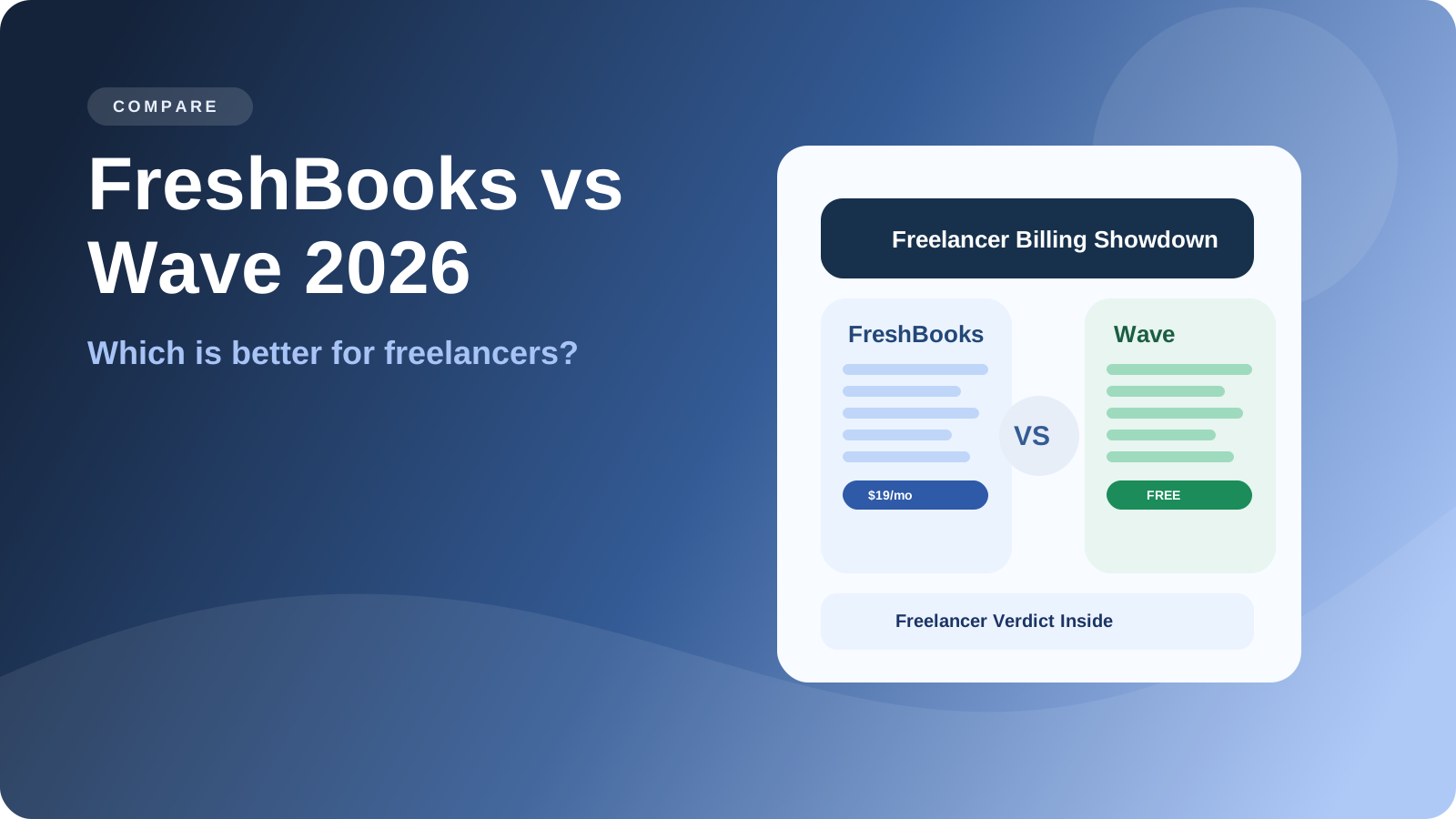
FreshBooks vs Wave: Which Is Better for Freelancers in 2026?
FreshBooks vs Wave in 2026 — comparing pricing, features, and AI capabilities for freelancers. Find out which invoicing tool delivers better value.
Newsletter
Join the community
Subscribe to our newsletter for the latest news and updates