Learn how to create a professional invoice in minutes. Step-by-step guide covering all invoice fields, best practices, and how AI can generate one in seconds.
How to Create an Invoice: The Complete Guide for Freelancers in 2026
Introduction
Every freelancer and small business eventually faces the same question: how do I create an invoice that looks professional, gets paid on time, and doesn't require expensive accounting software?
If you've been handing clients a Word doc with your name and a number, or manually typing figures into a spreadsheet every time you need to bill someone — this guide is for you.
This is a complete walkthrough of invoice creation in 2026. We'll cover what an invoice actually is, the mandatory fields you must include, how to create one from scratch, how AI dramatically speeds up the process, and the best practices that separate freelancers who get paid in 15 days versus 45.
By the end, you'll be able to create a professional invoice in under two minutes — or let AI do it for you in 15 seconds.
What Is an Invoice?
An invoice is a commercial document that a seller issues to a buyer requesting payment for goods or services. It's not just a bill — it's a formal record of the transaction with legal and financial significance.
Unlike a receipt (which proves payment has been made), an invoice is issued before payment. It establishes:
- What was delivered or agreed to
- How much is owed
- When payment is due
- Who owes whom
For freelancers and small businesses, an invoice is your primary tool for getting paid. It's also your paper trail for tax purposes, a reference document if disputes arise, and a reflection of your professionalism to clients.
An invoice is a request for payment. A receipt is proof of payment. Keep this distinction clear — it matters for your bookkeeping.
The 7 Mandatory Fields Every Invoice Must Have
Missing fields are the #1 reason invoices get sent back, delayed, or rejected by clients' accounting departments. Here's what every legally valid invoice needs:
1. Your Business Information
Your full legal business name or your full name if operating as a sole proprietor. Include:
- Business address
- Phone number
- Email address
- Business license number (if required in your jurisdiction)
This establishes you as the sender and gives the client a way to reach you.
2. Client Information
The person or company you're billing:
- Client's business name
- Billing address
- Contact person's name (helpful for large organizations)
- Client's email
If you're invoicing a corporation, find out who handles accounts payable. Directing your invoice to the right person speeds up payment significantly.
3. Unique Invoice Number
Every invoice needs a unique identifier. This is critical for:
- Tracking which invoices have been paid
- Accounting and tax records
- Resolving disputes
Common formats:
- Sequential:
INV-001,INV-002 - Date-based:
2026-03-26-001 - Client-based:
ACME-2026-001
Never reuse invoice numbers. Ever.
4. Issue Date and Due Date
- Issue date: When you created the invoice
- Due date: When payment is expected
Common payment terms:
- Net 15: Payment due 15 days after issue
- Net 30: Payment due 30 days after issue (most common for freelancers)
- Net 60: Payment due 60 days after issue (some corporate clients require this)
- Due on Receipt: Payment expected immediately
- 50% upfront, 50% on completion: Common for large projects
5. Line Items (Description, Quantity, Rate)
Each product or service you're billing for needs its own line:
| Description | Quantity | Rate | Amount |
|---|---|---|---|
| Web design — homepage | 1 | $1,500 | $1,500 |
| Web design — inner pages | 4 | $300 | $1,200 |
| Mobile responsiveness | 1 | $500 | $500 |
Each line shows what was done, how much, and at what price. The amount is calculated as Quantity × Rate.
6. Subtotal, Tax, and Total Amount Due
- Subtotal: Sum of all line items before tax
- Tax: Calculated amount (e.g., sales tax or VAT) — only include if applicable
- Total Amount Due: Subtotal + Tax
Always clearly label which currency you're using. If you operate internationally, note whether amounts include or exclude applicable taxes in different jurisdictions.
7. Payment Terms and Accepted Methods
Specify:
- How and where to send payment (bank transfer details, PayPal, Stripe link)
- Late payment policy (e.g., "2% interest per month on overdue balances")
- Any late fee terms
Many freelancer disputes stem from vague or missing payment terms. Be explicit.
How to Create Your First Invoice: Step by Step
Here's how to create a professional invoice using Eonebill — no accounting degree required.
Step 1: Go to Eonebill.com and Click "Create Invoice"
Navigate to Eonebill.com. The interface is designed for freelancers — no dashboard tour, no onboarding. You land directly on the invoice creator.
Step 2: Enter Your Business Details (First Time Only)
On your first invoice, Eonebill prompts you to enter:
- Your business name
- Your address
- Your email
These save automatically for future invoices. You only do this once.
Step 3: Enter Your Client's Details
Fill in:
- Client's business name
- Client's billing address
- Contact name (optional but recommended)
Step 4: Add Line Items
Click "Add Item" and fill in:
- Description of service (e.g., "Social media management — March 2026")
- Quantity
- Hourly rate or fixed fee
Eonebill auto-calculates the totals.
Step 5: Set Invoice Number and Dates
- Eonebill auto-generates an invoice number in sequential format (e.g., INV-0042)
- Set your issue date (defaults to today)
- Set your due date (Net 30 is the default)
Step 6: Add Payment Details
Add your bank transfer information or connect your Stripe/PayPal account. Eonebill supports multiple payment methods.
Step 7: Preview and Send
Click "Preview" to see exactly what your client will receive. Make any adjustments. Then click "Send" — enter your client's email, add a personal note, and Eonebill delivers a professional PDF invoice immediately.
Total time: under 2 minutes for your first invoice. Under 30 seconds for every invoice after that.
AI Invoice Generation: Create Invoices in 15 Seconds
The most revolutionary feature in modern invoicing is AI generation. Instead of filling in every field manually, you describe what you need in plain English.
How Eonebill's AI Invoice Generator Works
Here's what you type:
"Bill Acme Corp for 10 hours of consulting work at $150/hour, Net 30. Project was Q1 strategy review. My business is DesignPro LLC, 123 Main St, Austin TX."
Eonebill's AI parses this and generates a complete, formatted invoice with:
- Your business name and address
- Client name and address
- Line item: 10 hours × $150/hr = $1,500
- Invoice number (auto-generated)
- Issue date (today)
- Due date (Net 30)
- Subtotal, total
- Your saved payment details
Ready to send in under 15 seconds.
Why AI Invoice Generation Matters for Freelancers
- Speed: What took 5 minutes now takes 15 seconds
- Fewer errors: Manual data entry causes mistakes. AI reduces them
- Consistency: AI applies the same format every time
- Less friction: When creating an invoice is this fast, you're more likely to do it promptly — which means you get paid faster
Online Tools vs. Manual Creation: Which Should You Use?
Creating Invoices Manually (Spreadsheets, Word Docs)
Pros:
- Free (if you already have software)
- Full control over formatting
Cons:
- Time-consuming
- Error-prone (wrong calculations, missing fields)
- No automatic reminders or payment tracking
- Not professional-looking
- No delivery confirmation
- No centralized record
Best for: Fewer than 5 invoices per month, one-off projects
Online Invoice Tools (Eonebill and Similar)
Pros:
- Professional templates instantly
- Auto-calculations
- Send directly from the platform
- Payment tracking
- Automatic reminders
- PDF generation
- Multiple currency support
- Mobile-friendly
Cons:
- Some require a subscription for advanced features
- Learning curve on new platforms (minimal with Eonebill)
Best for: Any freelancer or small business with regular invoicing needs
AI Invoice Generators (Eonebill)
Pros:
- Fastest method — under 15 seconds
- No manual data entry
- Professional output every time
- Always includes all required fields
Cons:
- Requires an internet connection
- Works best with clear, descriptive input
Best for: Every freelancer who values their time
Invoice Best Practices That Get You Paid Faster
Creating an invoice is step one. Here are the practices that separate freelancers who get paid on time from those chasing payments for months.
1. Use a Consistent Invoice Numbering System
Establish a numbering system from day one and stick to it. A clear format helps both you and your client track payments:
INV-YYYY-#### (e.g., INV-2026-0001)Or for multiple clients:
CLIENT-#### (e.g., ACME-0001)Never reuse numbers. If an invoice gets lost, you need a unique reference for every single one.
2. Invoice Promptly — Don't Wait Until Month-End
The moment you complete work, send the invoice. Waiting until the end of the month creates a gap where clients forget, priorities shift, or budget cycles close.
Delivered promptly: Work is fresh in the client's mind and payment follows naturally.
3. Use Clear Payment Terms
Be specific. Not just "Net 30" — spell out:
- Exact due date
- Accepted payment methods (bank transfer, PayPal, Stripe)
- Late payment policy (e.g., "2% monthly interest on overdue balances")
Clients appreciate clarity. Ambiguous terms create friction.
4. Make It Easy to Pay
Include your payment details directly on the invoice. Don't make clients hunt for your bank information. List:
- Bank name and account number (for ACH/wire)
- PayPal email
- Stripe payment link (Eonebill generates these automatically)
The easier you make payment, the faster you'll get it.
5. Follow Up Without Being Annoying
Set a schedule and stick to it:
- Day 1: Send invoice
- Day 3: If no confirmation, follow up: "Just confirming you received the invoice for [amount]. Let me know if you need anything adjusted."
- Day 14: Second follow-up if unpaid: "Hi [name], just a gentle reminder that invoice [INV-XXXX] for [amount] is due on [date]."
- Day 31+: Final notice with late fee terms
Eonebill automates this with scheduled reminder emails so you never have to chase manually.
6. Keep Records for 7 Years
The IRS recommends keeping business records — including invoices — for at least 7 years. Store digital copies in cloud storage (Google Drive, Dropbox, Eonebill's built-in records).
7. Use Professional Language
Your invoice is a reflection of your professionalism. Use:
- Formal but friendly tone
- Clear descriptions of deliverables
- Correct spelling and grammar
- Consistent formatting
An invoice that looks sloppy signals to the client that you might deliver sloppy work.
Free Tools to Create Invoices
You don't need to spend money to create professional invoices. Here are the best free options:
Eonebill (Recommended)
- 6 free invoices per month on the free plan
- AI invoice generator — type a description, get a complete invoice
- 70+ professional templates
- Direct email sending with tracking
- Mobile-friendly
- No signup required to start creating invoices
Wave (Free for basic use)
- Free invoicing for small businesses
- Accounting features available (paid add-ons)
- Good for freelancers just starting
Invoice Simple (Free tier)
- Basic invoice templates
- Limited features on free plan
Zoho Invoice (Free up to 1 user)
- Clean templates
- Some automation features
Our recommendation: Start with Eonebill's free plan. The AI generator alone saves hours per month compared to any other free tool.
Common Invoice Mistakes to Avoid
Even experienced freelancers make these mistakes:
1. Wrong client name or address: Always double-check. An invoice sent to the wrong company (or wrong person within a company) causes payment delays.
2. Missing tax information: If you're registered for sales tax or VAT, include your registration number. Missing it can cause issues for clients who need to claim input tax credits.
3. Unclear line item descriptions: "Design work" is not a good description. "Homepage redesign — desktop and mobile — including UX audit and wireframes" is clear and professional.
4. Wrong calculations: Always preview and verify totals before sending. One arithmetic error undermines your credibility.
5. Forgetting a due date: Never send an invoice without a clear payment deadline. "Please pay at your earliest convenience" is not a due date.
6. Sending to the wrong person: Find out who handles accounts payable. Sending to a general info email box means your invoice sits unread.
7. Not keeping a copy: Always store a copy of every invoice you send. Eonebill automatically saves all sent invoices in your account.
How to Send an Invoice to a Client
Once your invoice is created, sending it correctly matters. Here's how to maximize the chances it gets paid:
Via Eonebill (Recommended)
- Click "Send" on your invoice
- Enter your client's email address
- Add a personal message (keep it brief and professional)
- Click "Send"
Eonebill delivers a professional PDF and tracks whether the email was opened.
Via Email Directly
If you're not using an invoicing platform:
- Create a PDF of your invoice
- Attach it to an email
- Write a clear subject line: "Invoice INV-[number] for [service] — Due [date]"
- Include a brief message: "Please find attached invoice [INV-XXXX] for [amount]. Payment is due by [date]. Let me know if you have any questions."
- Send to the correct person's accounts payable email
What to Include in the Email
- Subject line: Clear, professional, includes invoice number
- Greeting: Address the client by name
- Brief message: Reference the project, state the amount, give the due date
- Call to action: "Please find attached..." or "Payment can be made via [methods]"
- Signature: Your name, business, contact info
Keep it short. Your invoice PDF does the heavy lifting.
Conclusion: Stop Wasting Time on Invoicing
You became a freelancer to do work you love — not to spend hours wrestling with spreadsheets trying to make an invoice look professional.
The math is simple:
- Manual invoice creation: 5–10 minutes
- Eonebill template: 2 minutes
- Eonebill AI generator: 15 seconds
That's not a marginal improvement. It's an order of magnitude better.
Here's where to start:
- Go to Eonebill.com right now
- Create your first invoice using the AI generator
- Send it to your next client
- Set up automatic reminders for overdue payments
In 15 seconds from now, you could have a professional invoice ready to send. No signup required to start. No credit card. No accounting software. Just type what you did and who you billed.
Get paid faster. Invoice smarter. Try Eonebill's AI invoice generator free → [/free-trial]
Frequently Asked Questions
How do I create an invoice for free? You can create a free invoice at Eonebill.com. Describe your work in plain English and the AI generates a complete, professional invoice in seconds — no signup required to start.
Recommended Tools
Looking for the best invoice app for freelancers in 2026? We reviewed and ranked the top invoice apps for freelancers to help you find the right tool for your freelance business.
What information do I need to create an invoice? You need: your business name/address, client name/address, invoice number, issue date, due date, line items (description, quantity, rate), tax rate if applicable, and total amount.
Can I create an invoice without accounting software? Yes. Eonebill lets you create professional invoices completely free without any accounting software. Use the AI invoice generator or choose from 70+ templates.
How do I send an invoice to a client? In Eonebill, click Send, enter your client's email, add a personal message, and the invoice PDF is delivered immediately with email tracking.
What's the fastest way to create an invoice? Use Eonebill's AI invoice generator. Type something like "Bill Acme Corp for 10 hours at $150/hr, Net 30" and a complete professional invoice is ready to send in under 15 seconds.
Sources
- IRS.gov — Business Income — Official IRS guidance on reporting business income
- SBA.gov — Small Business Resources — SBA small business funding and invoice guide
- Statista — Freelance Industry Statistics — Freelance industry data and trends
You Might Also Like
- Best Free Invoicer.ai Alternatives in 2026 — Compare the top alternatives to Invoicer.ai, with Eonebill topping the list for freelancers and small businesses.
- 5 Accounting Software Trends Every Freelancer Should Know in 2026 — AI automation, real-time cash flow, freelancer-specific tools, and more — the trends shaping how you manage your business finances.
Frequently Asked Questions
Author

Categories
More Posts
Best Invoicing Apps for Freelancers in 2026 | Eonebill
Discover the best invoice apps for freelancers in 2026. We rank the top invoicing tools — Eonebill tops the list for AI-powered creation, free use, and freelancer-focused features.
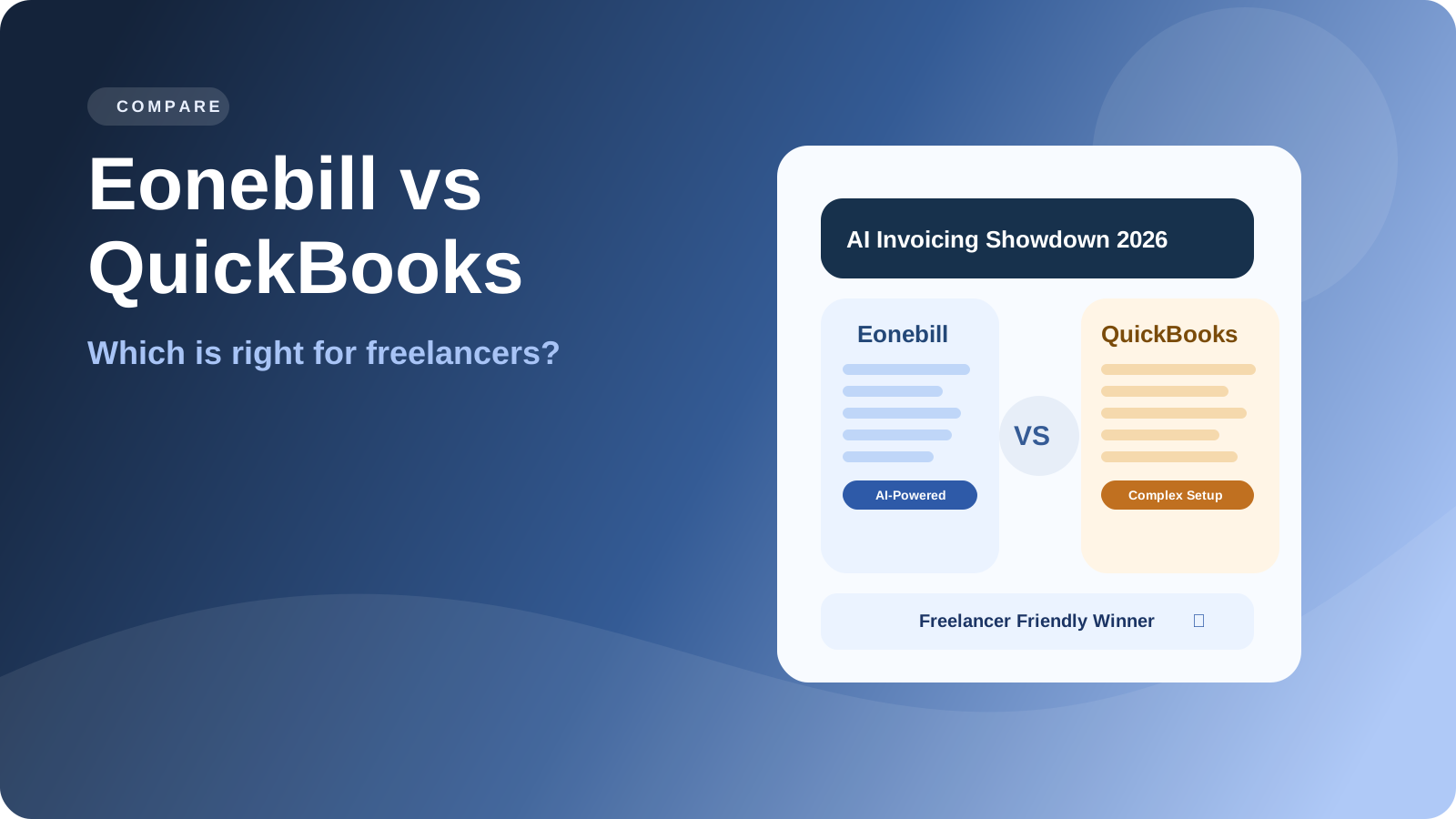
Eonebill vs QuickBooks: Do Freelancers Really Need All That?
Compare Eonebill vs QuickBooks for freelancers. Discover why simpler AI-powered invoicing beats complex accounting software for independent contractors.
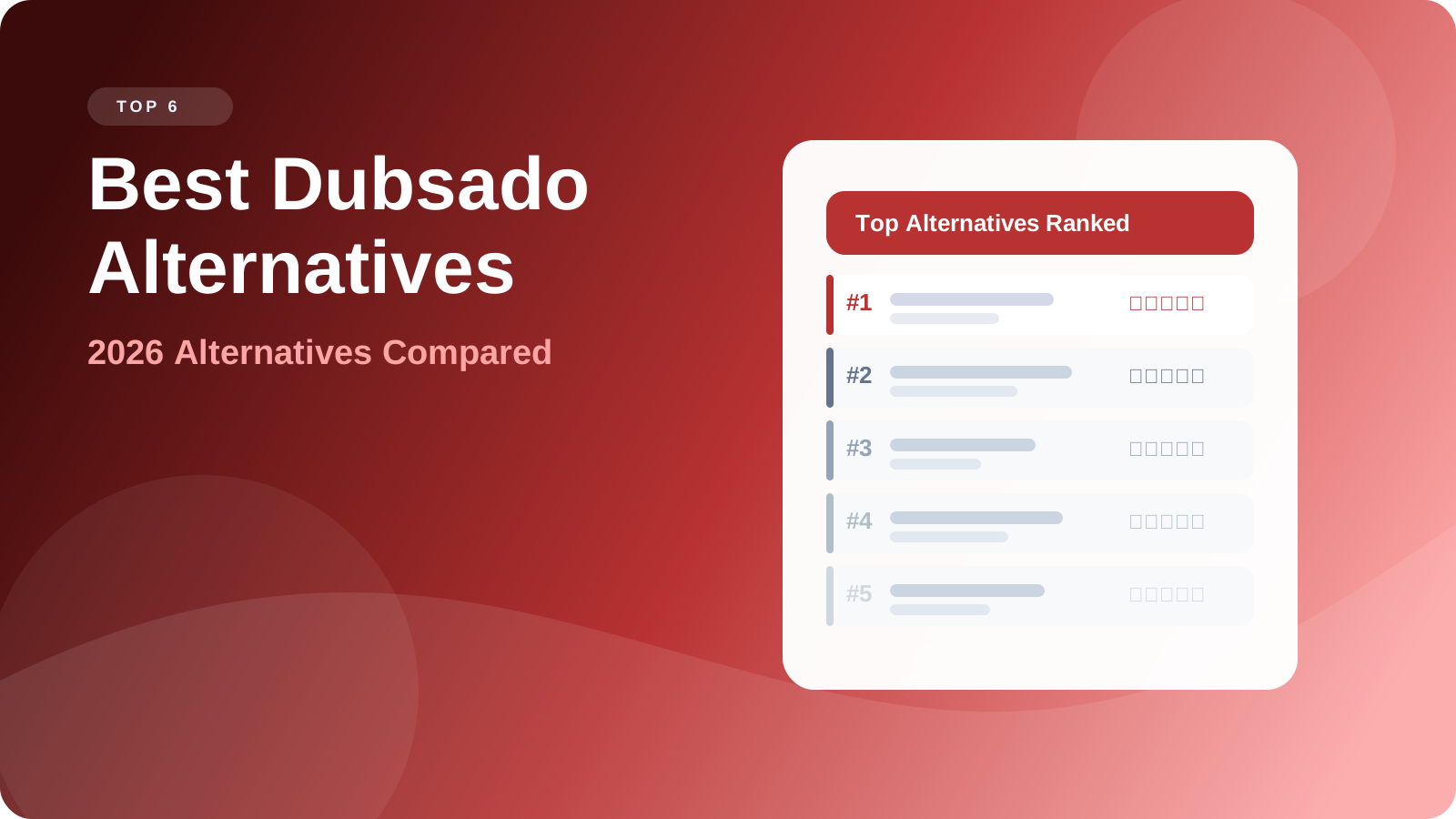
Best Dubsado Alternatives in 2026
Searching for the best dubsado alternatives? Compare top client management and invoicing tools in 2026. Eonebill leads as the #1 dubsado alternative for freelancers.
Newsletter
Join the community
Subscribe to our newsletter for the latest news and updates